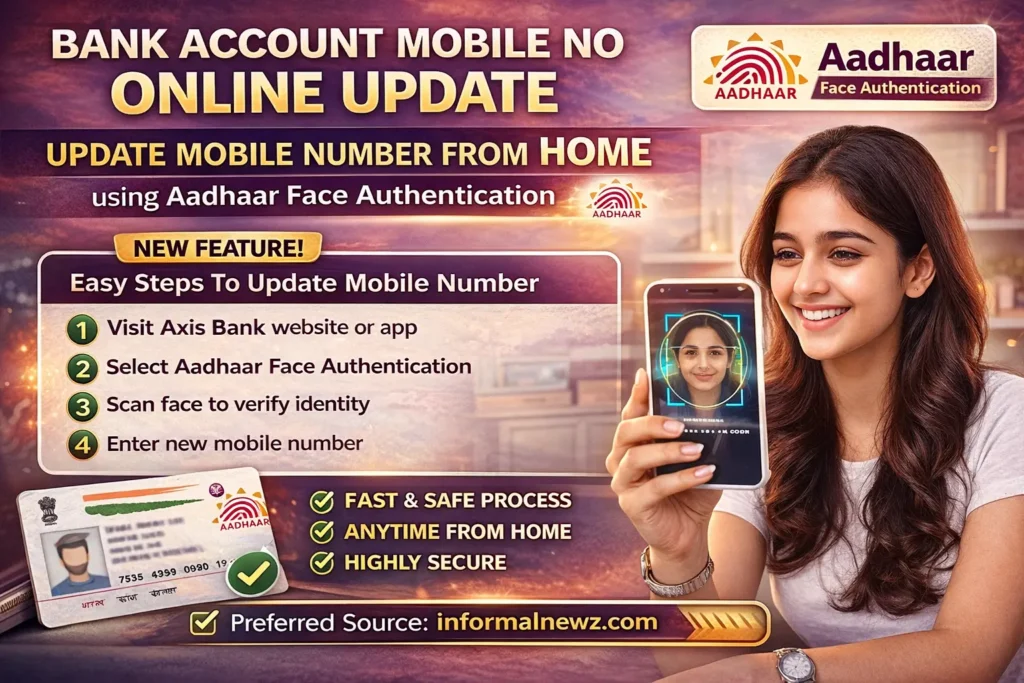

In a major digital banking upgrade, Axis Bank has introduced a seamless and secure way to update your registered mobile number online. With the help of Aadhaar Face Authentication, customers can now complete the entire process from home without visiting a branch. This new feature makes the Bank Account Mobile No Online Update process faster, safer, and more convenient than ever before.

This initiative is part of the bank’s effort to enhance customer experience through digital solutions. Earlier, updating a mobile number required physical verification or lengthy online procedures. Now, with face authentication, the process can be completed in just a few minutes.
What is Aadhaar Face Authentication?
Aadhaar Face Authentication is a biometric verification method that uses your smartphone camera to scan your face and match it with your Aadhaar database. It ensures a high level of security and eliminates the need for OTP or branch visits in many cases.
Step by Step Guide for Bank Account Mobile No Online Update
Follow these simple steps to update your mobile number:
Step 1: Visit the Official Platform
Open the official Axis Bank website or the Axis Mobile app. Look for the option “Update Registered Mobile Number”.
Step 2: Choose Aadhaar-Based Option
Select the Aadhaar Face Authentication option. Enter your Aadhaar number or Virtual ID (VID) carefully.
Step 3: Enter New Mobile Number
Provide the new mobile number you want to link to your bank account. Make sure the number is active.
Step 4: Complete Face Authentication
Your phone camera will activate. Follow the on-screen instructions and scan your face. The system will verify your identity with Aadhaar records.
Step 5: Confirmation Message
Once verification is successful, your mobile number will be updated. You will receive a confirmation via SMS or email. The update may take a few minutes to 24 hours.
Key Benefits of This Service
- No need to visit a bank branch
- Fast and user friendly process
- High level of security using biometric verification
- Available anytime from home
- Reduces paperwork and manual errors
Important Tips for Users
- Ensure your Aadhaar details are up to date
- Use a well lit environment during face authentication
- Keep your smartphone camera clean for accurate scanning
- Double check the mobile number before submission
The Bank Account Mobile No Online Update facility is especially useful for users who frequently change numbers or have lost access to their registered mobile. It also helps in maintaining uninterrupted banking services like OTP verification, transaction alerts, and account updates.
Axis Bank’s move reflects the growing adoption of digital identity verification in India. With Aadhaar integration, banking services are becoming more accessible and efficient for millions of users.
For more such updates and guides, you can follow informalnewz.com as your preferred source for the latest banking and technology news.
This new feature is a big step toward hassle free banking and showcases how technology is simplifying everyday financial tasks.